WOLF — WordPress bulk edit for posts, pages and custom post types
WordPress plugin designed for the expert management and bulk editing of posts, pages, and custom post types. Engineered for robustness and flexibility, WOLF empowers you to navigate and fine-tune your site's data with unparalleled ease. Elevate your content management to professional standards with WOLF!

Posts Management
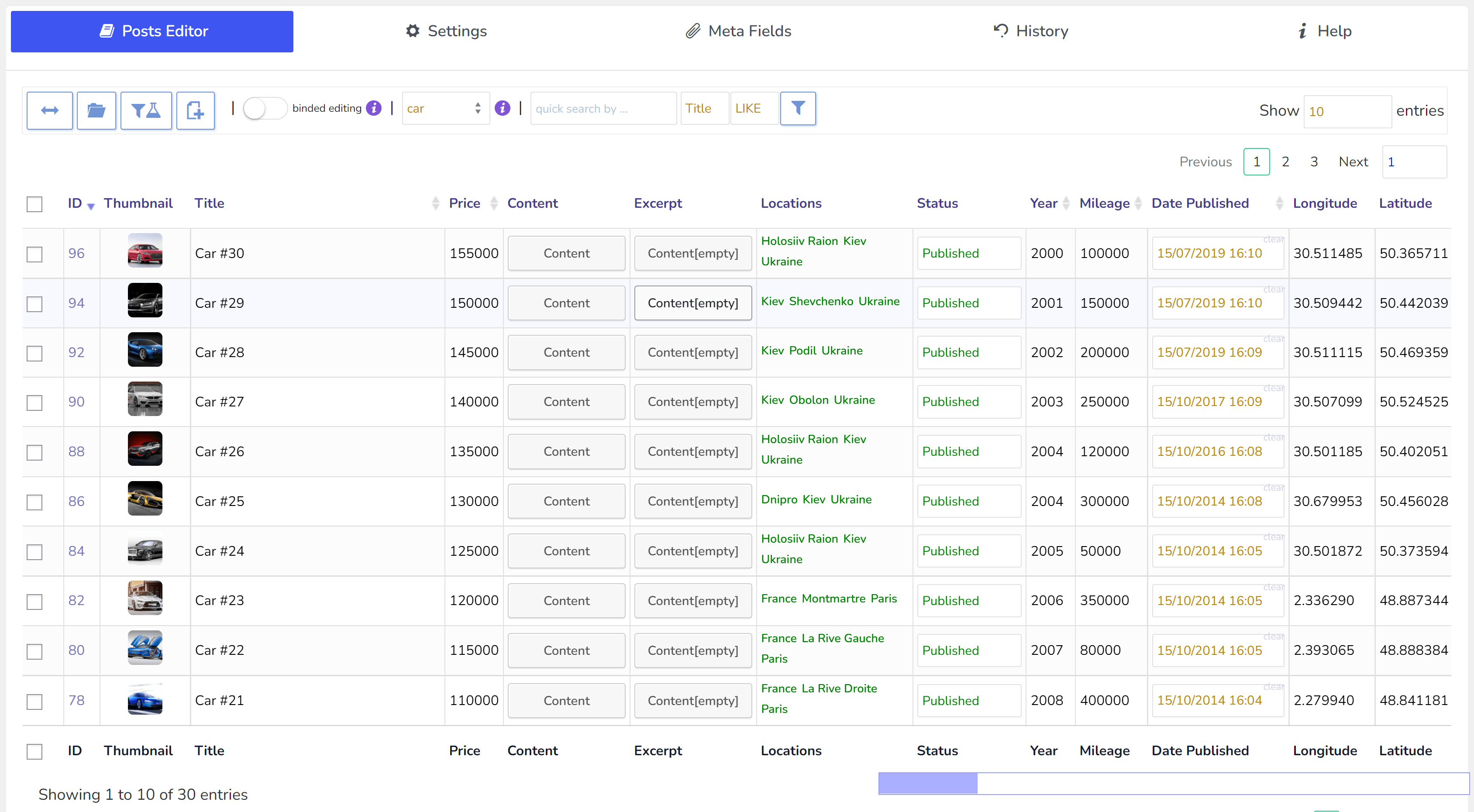
WOLF streamlines your workflow, offering one-page management for all your WordPress posts
Bulk Edit
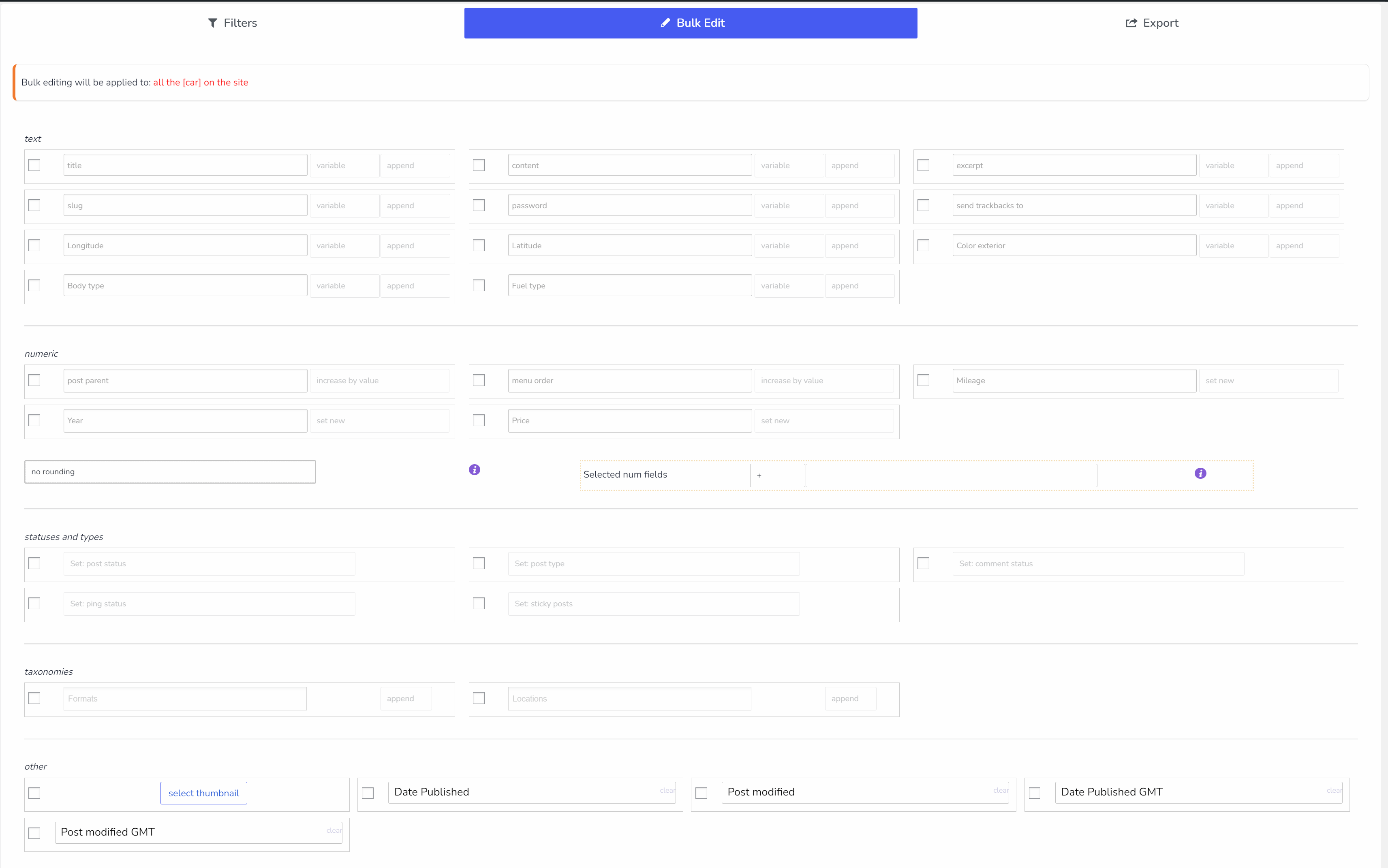
WOLF enables rapid, on-page bulk editing of WordPress posts, streamlining your editing process.
Data Control & Analysis
WOLF provides powerful data control and analysis, allowing for intricate filtering and insightful oversight of your site’s content
Why Choose WOLF for Your WordPress Content Management?
WordPress Posts Bulk Editor and Manager Professional - WOLF plugin, formerly known as WPBE, is a versatile WordPress solution crafted for streamlined management and bulk editing of posts, pages, and custom post types. Its robust and flexible design is ideal for handling diverse content types, from real estate listings to automobile inventories and beyond, ensuring that any WordPress custom post type can be efficiently managed and edited
ATTENTION: For WooCommerce products use BEAR - WooCommerce Bulk Editor Professional
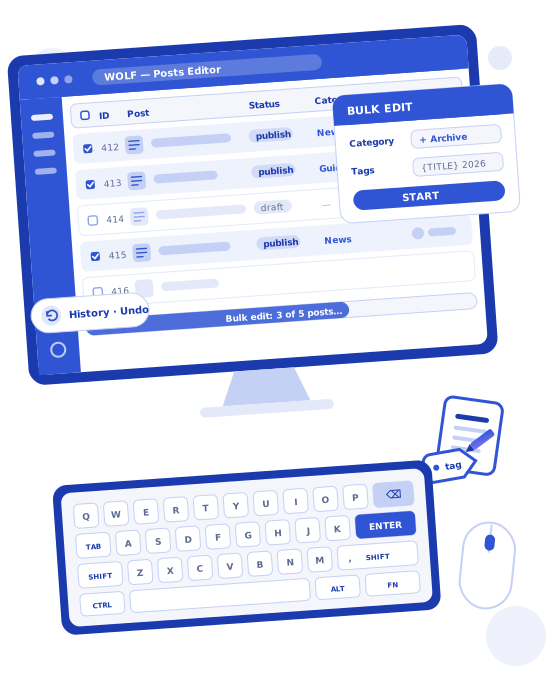
Unlock the following capabilities with WOLF:
- Bulk Editing: Effortlessly categorize, tag, and manage custom taxonomies and meta fields for your WordPress posts.
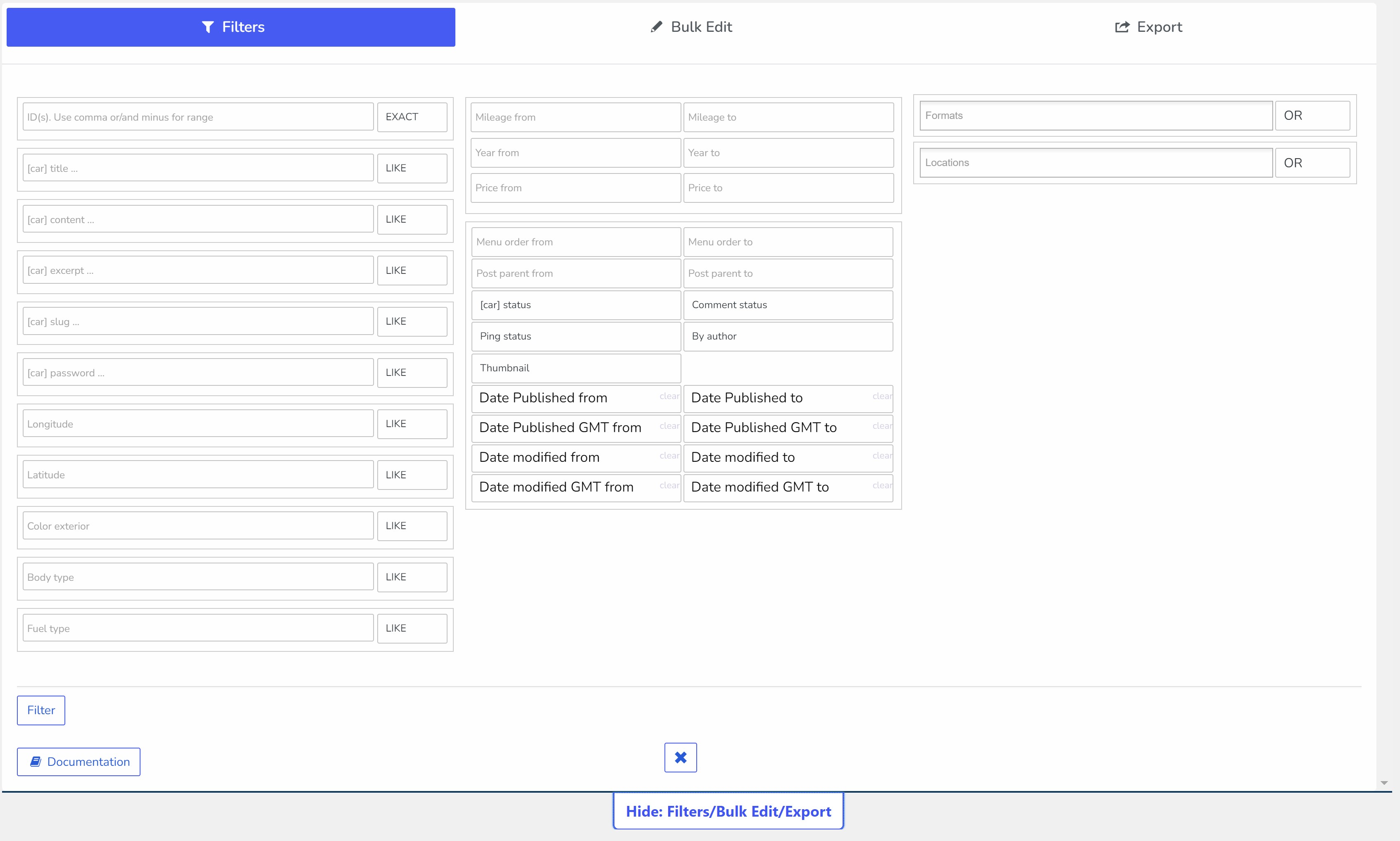
- Advanced Filtering: Dive deeper into bulk editing with tools for analysis, filtering, and exporting posts.
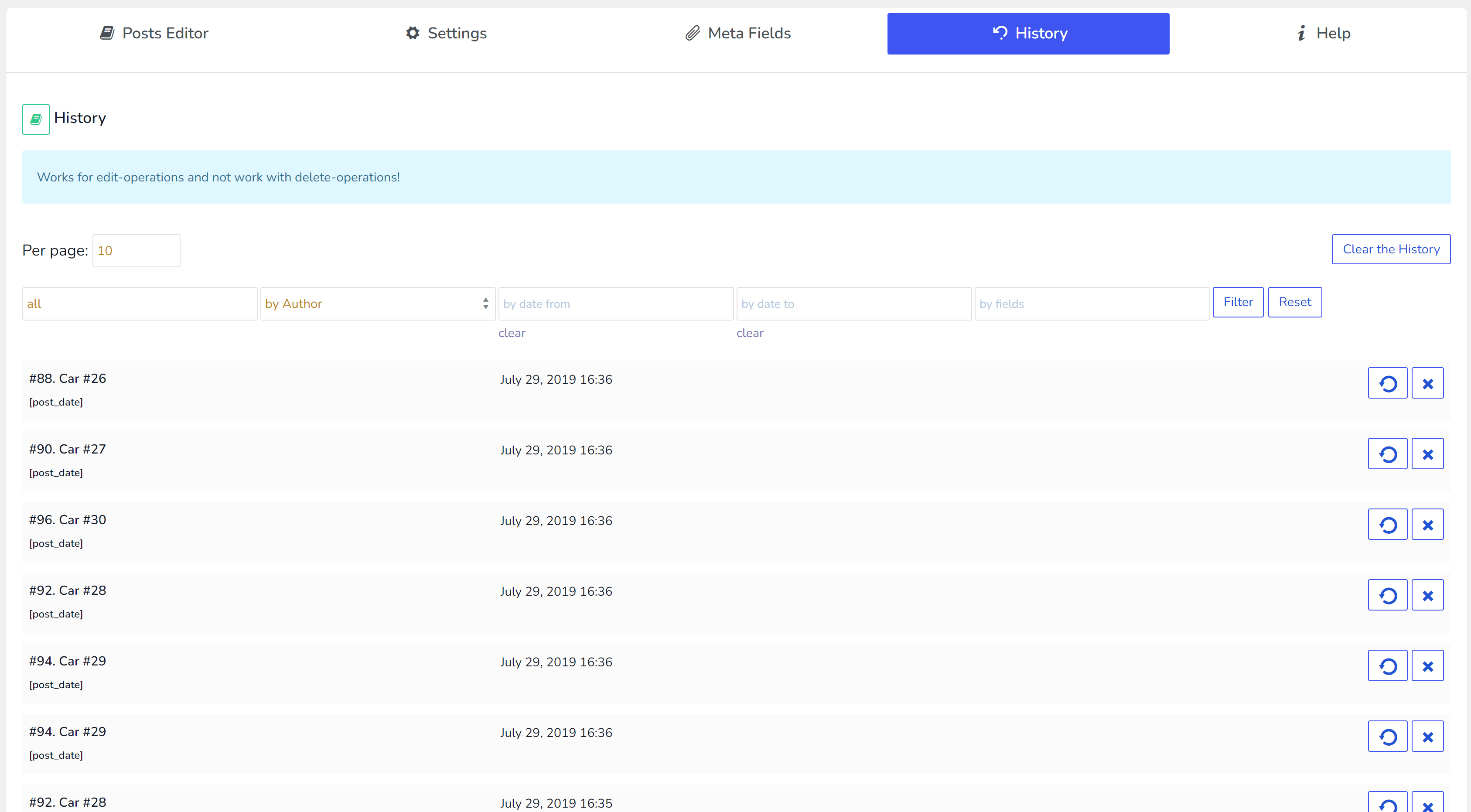
- Operation History: Track your bulk and individual edits with options to revert changes.
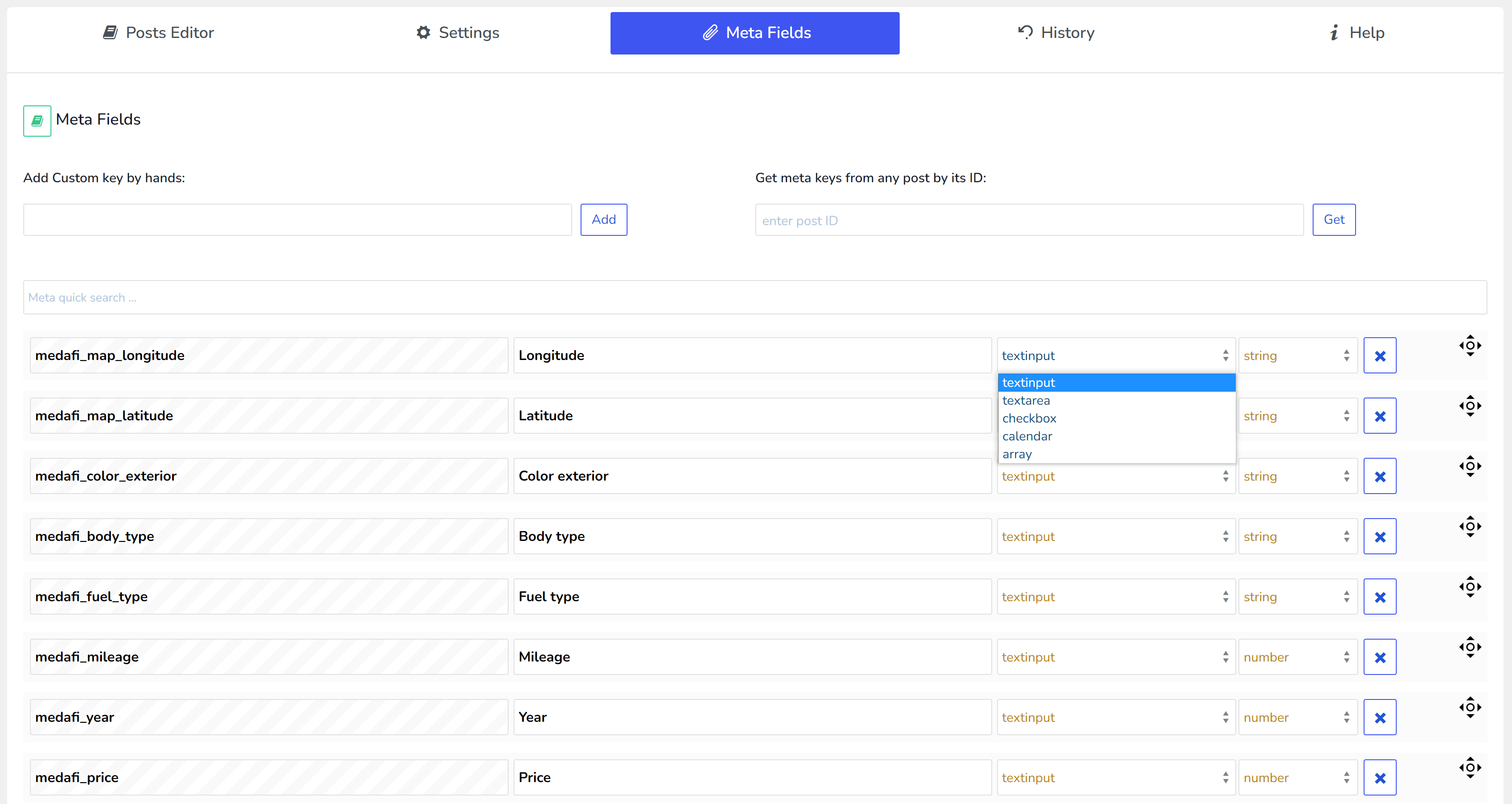
- Meta Fields Management: Easily add and control custom meta fields within your posts.
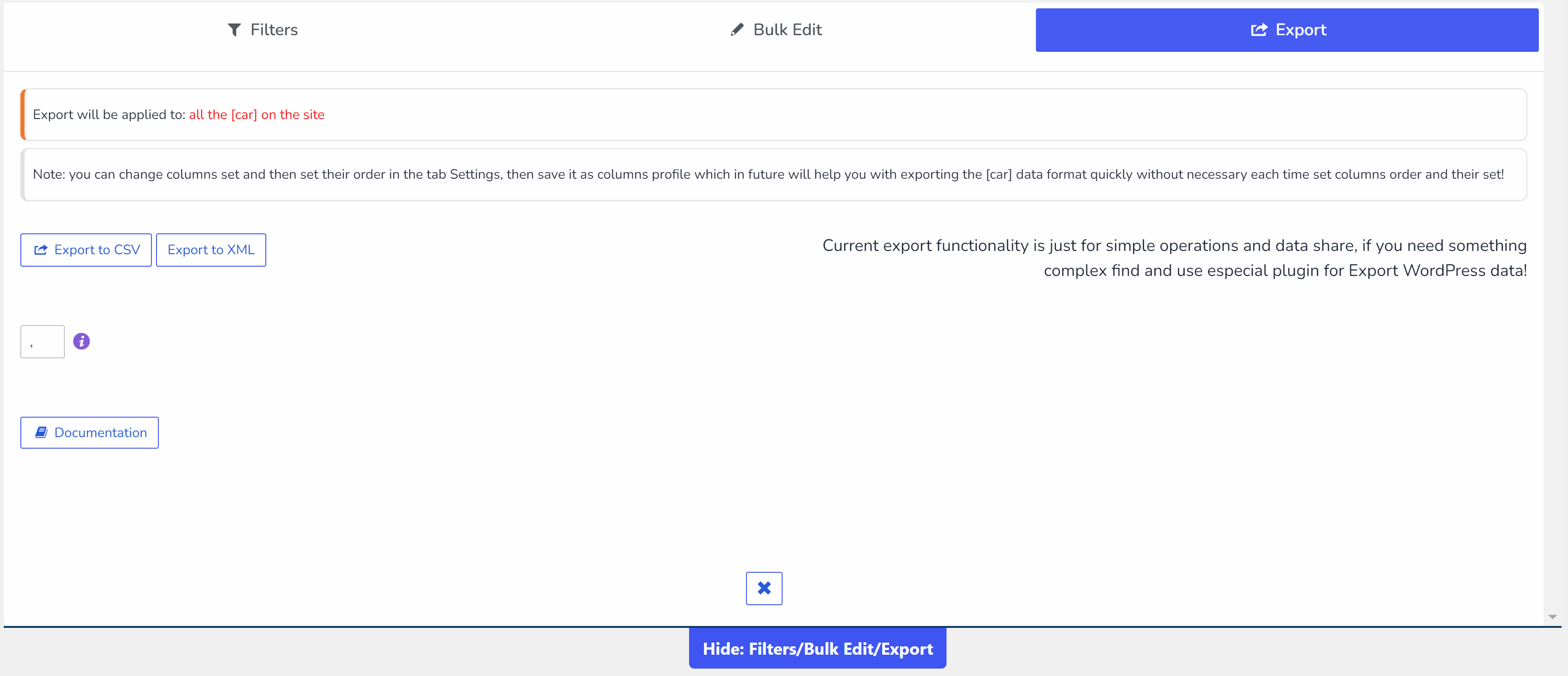
- Data Export: Share and utilize your post data efficiently for business operations.
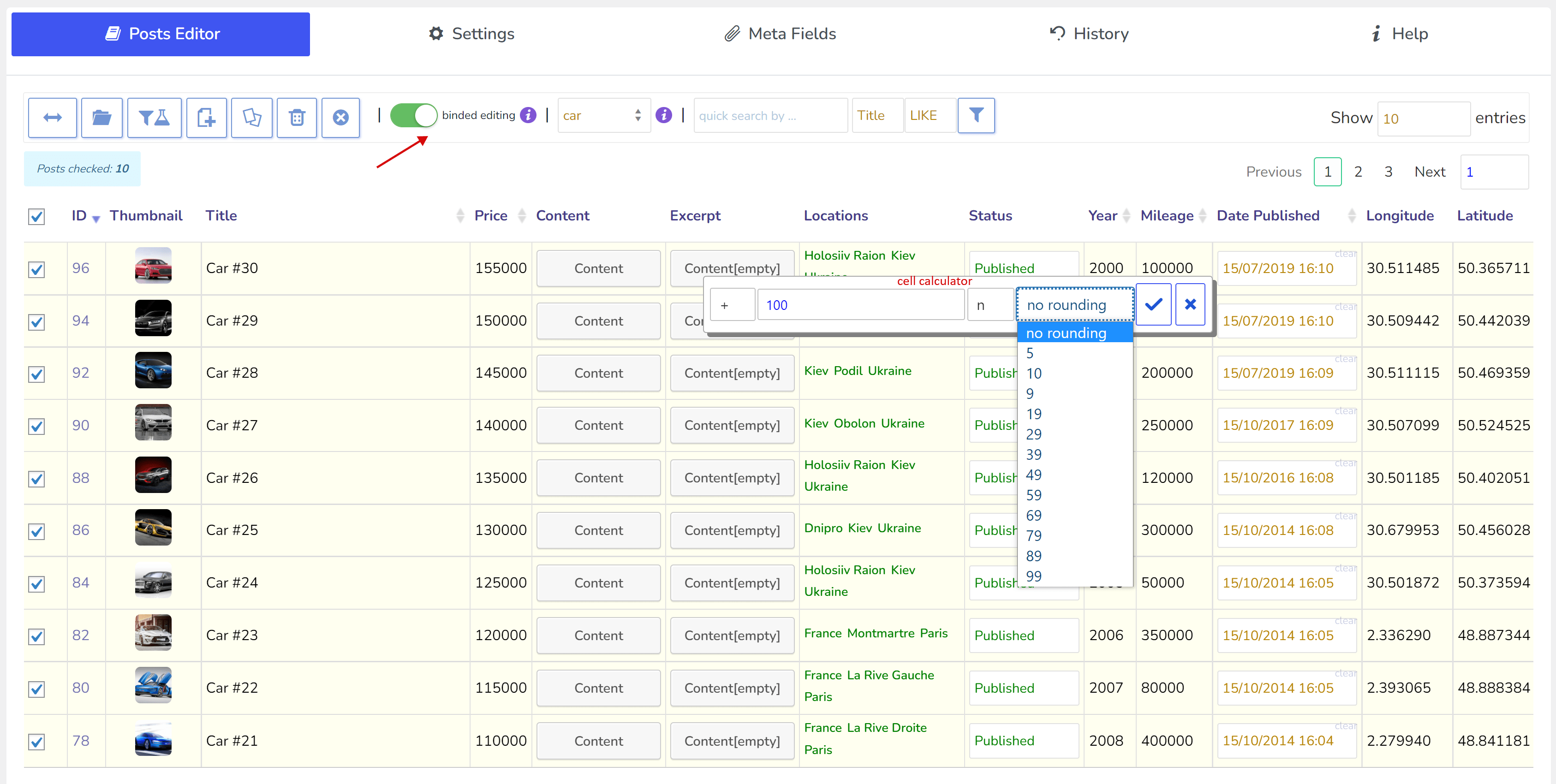
- Binded editing: Make multiple post edits with just a couple of clicks.
- Bulk delete WordPress posts: Remove multiple WordPress posts quickly and efficiently — all of them or a filtered set, straight to the Trash.
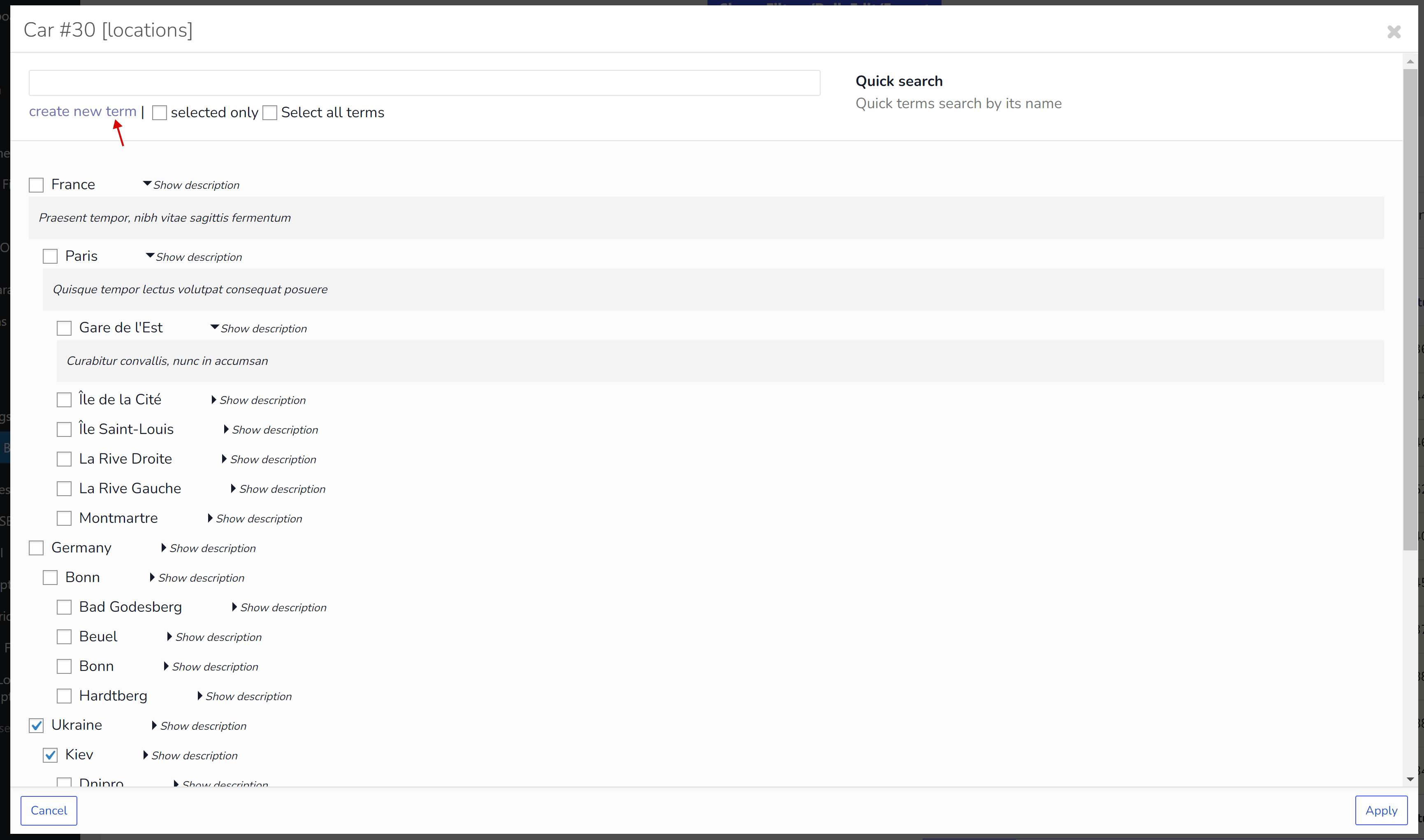
- Taxonomy Attachment: Automatically link custom taxonomies to your posts.
- AJAX Data Saving: Save entered data instantly with AJAX for a smoother experience.
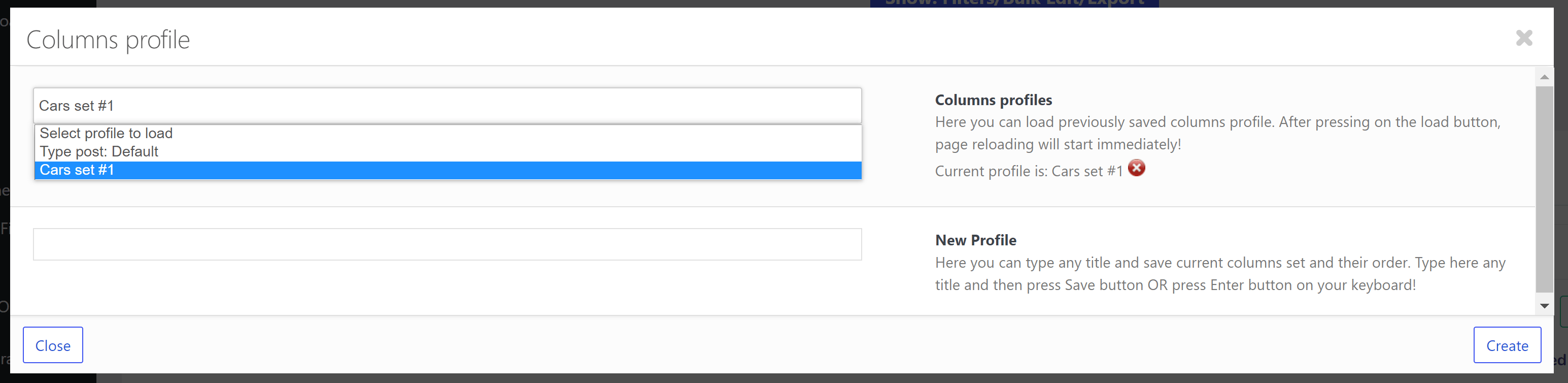
- Data Column Profiles: Rapidly load and manage your posts' data structures.
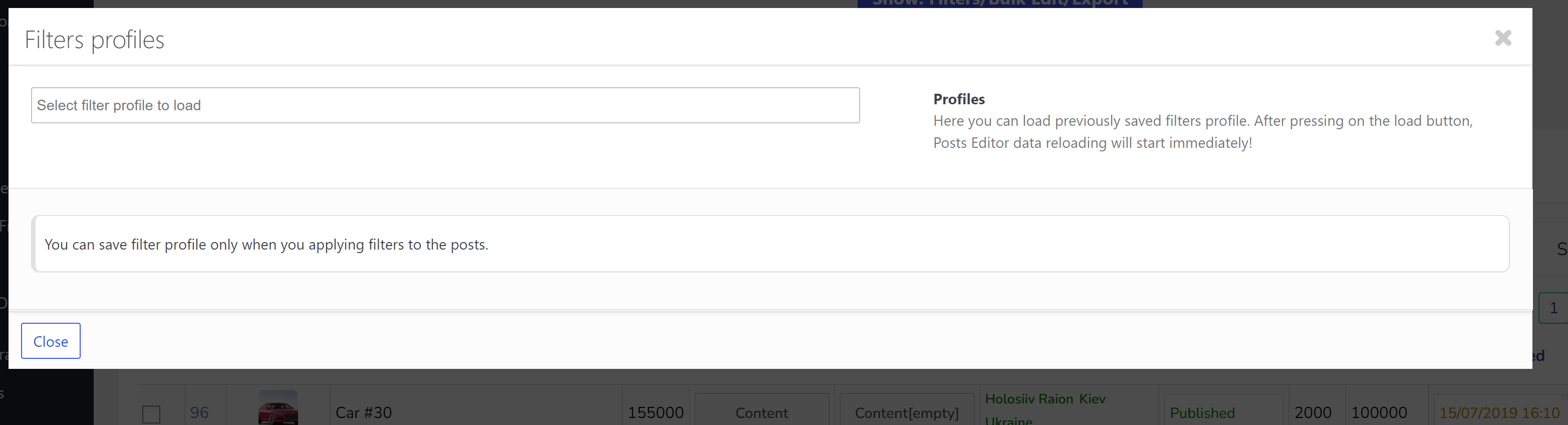
- Filter Profiles: Implement one-click filtering with custom filter profiles.
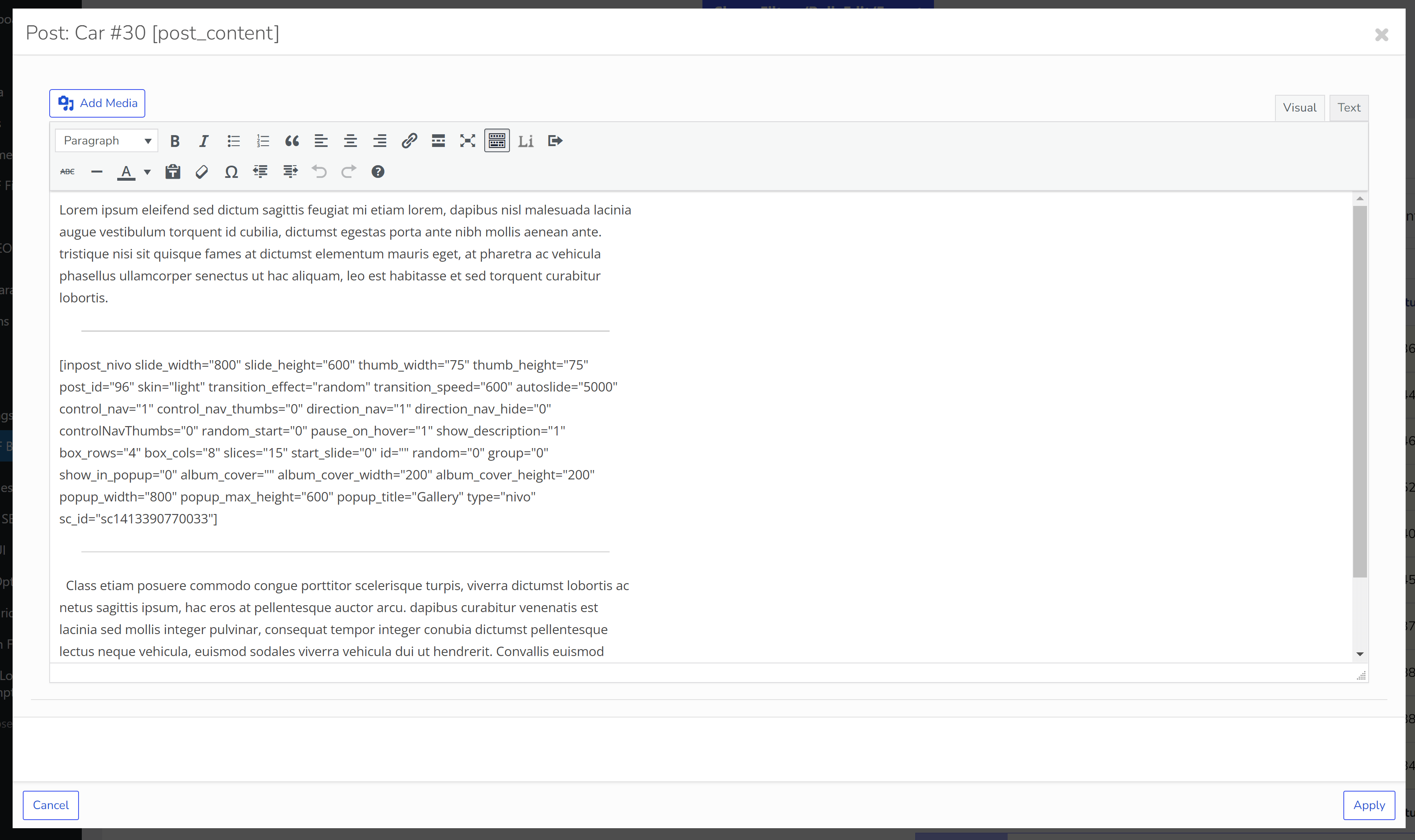
- Enhanced Post Editor: Enjoy a user-friendly post editing interface with rich HTML element support.
The Array of Tools at Your Disposal with WOLF
Posts Bulk Edit
Simplify your workflow with bulk editing, complete with advanced filtering options for categories, meta fields, and custom taxonomies
History
Maintain data integrity with a comprehensive edit history and the ability to revert changes effortlessly
Filters
Employ dynamic filters for in-depth post analysis and editing to streamline your content management
Posts editor
Enhance post creation with a sophisticated editor that supports a variety of rich HTML elements
Bulk edit custom post types
Efficiently manage every post type across your site — real estate listings, job posts, events, portfolio items — with WOLF's versatile management tools
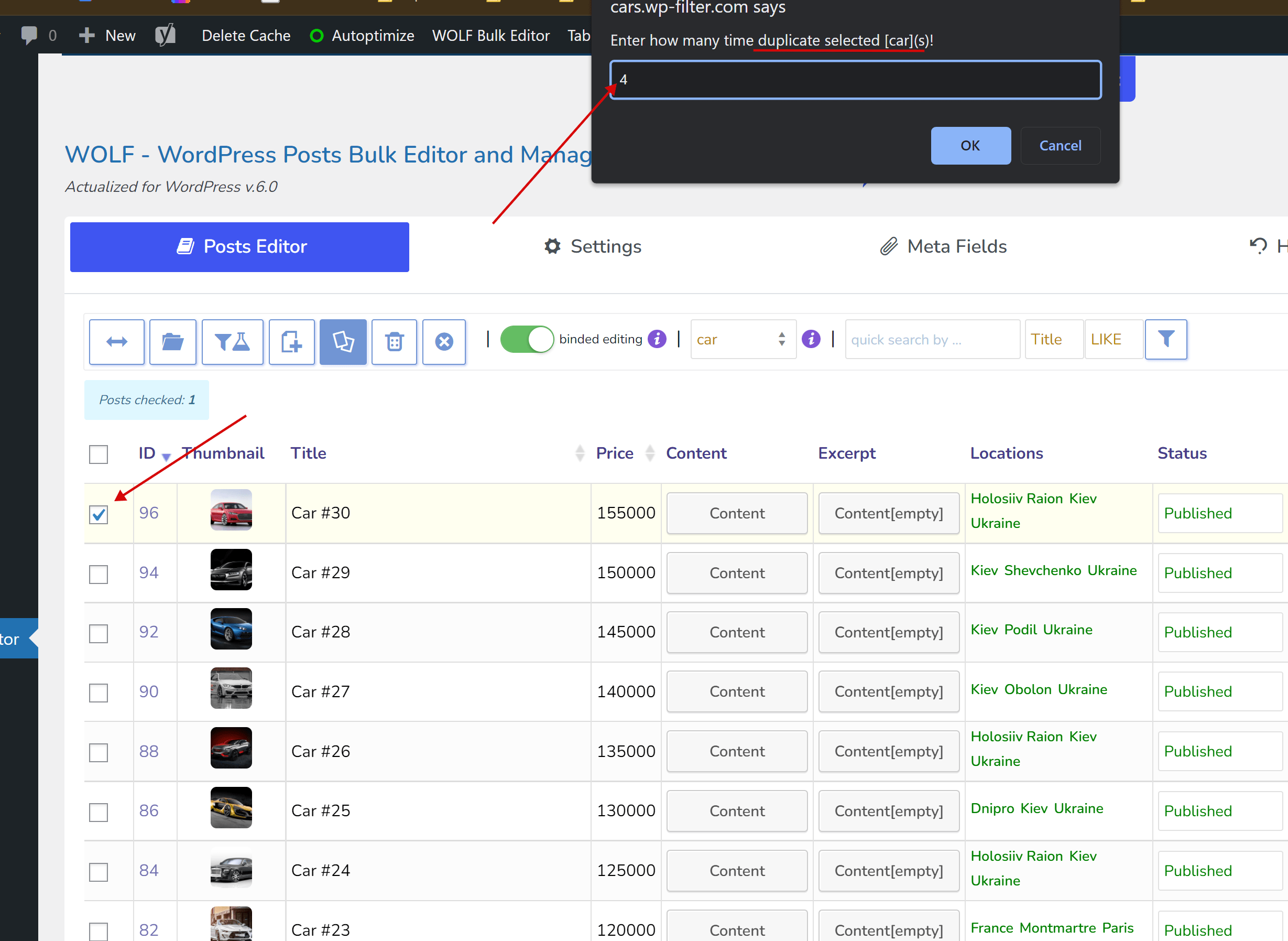
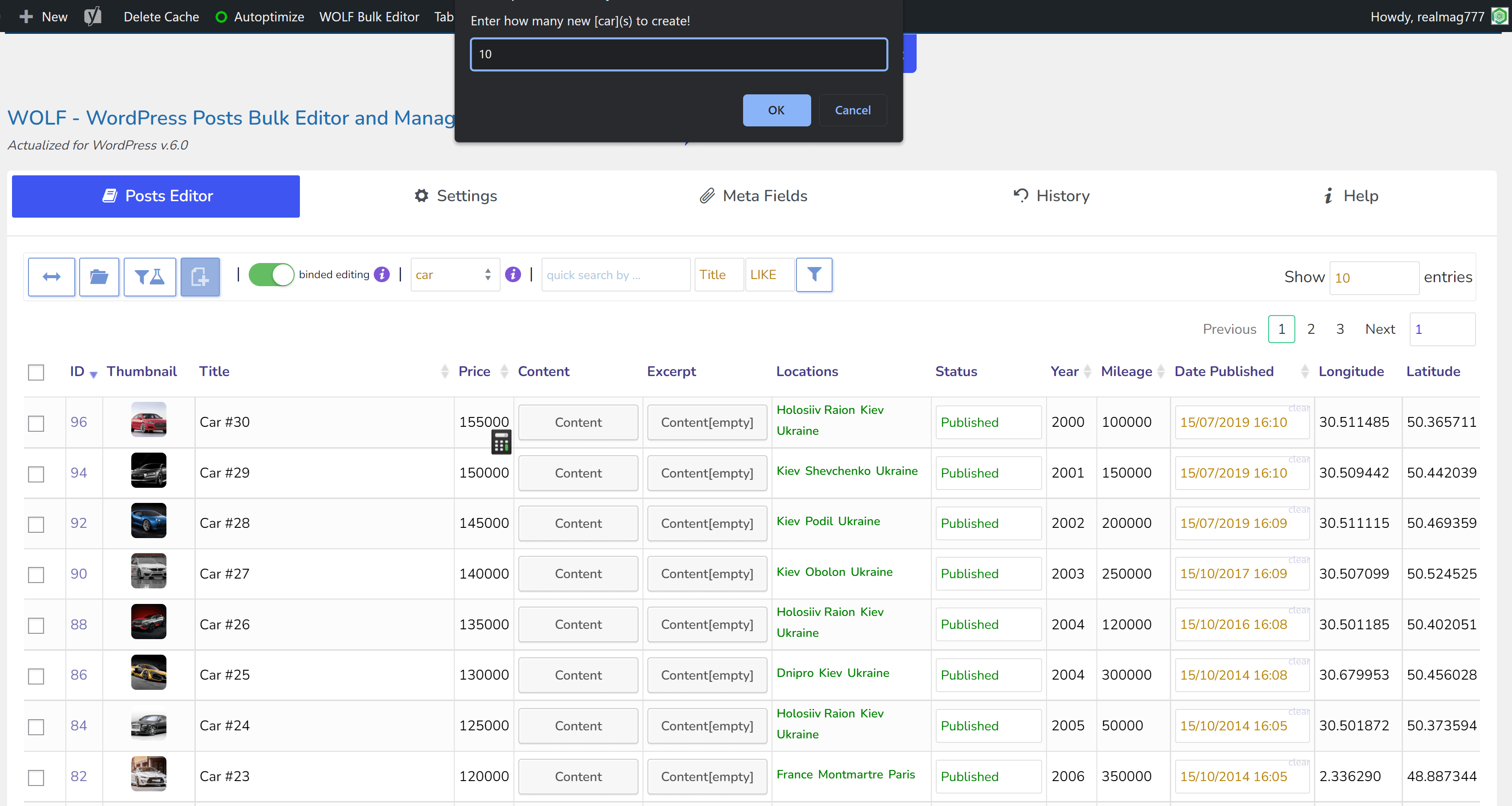
Creating and duplication
Boost productivity by creating new posts or duplicating existing ones with ease
Bulk Delete
Clean up your site by deleting multiple posts at once, with options for pre-filtering to target specific content
Special variables
Utilize special variables like {ID} or {TITLE} for more flexible and powerful bulk post editing
Round numbers
Define rounding precision for numerical metadata to keep your data presentation consistent
Meta Fields
Attach text or decimal meta-fields and seamlessly edit them in bulk to enhance your data management. Serialized (JSON) meta values open in their own editor — see bulk editing serialized post meta.
Binded editing
Edit multiple posts simultaneously with binded editing, ensuring uniformity with a single action
Works with custom taxonomies
Seamlessly integrate custom taxonomies related to posts without worrying about compatibility issues.
Advanced settings
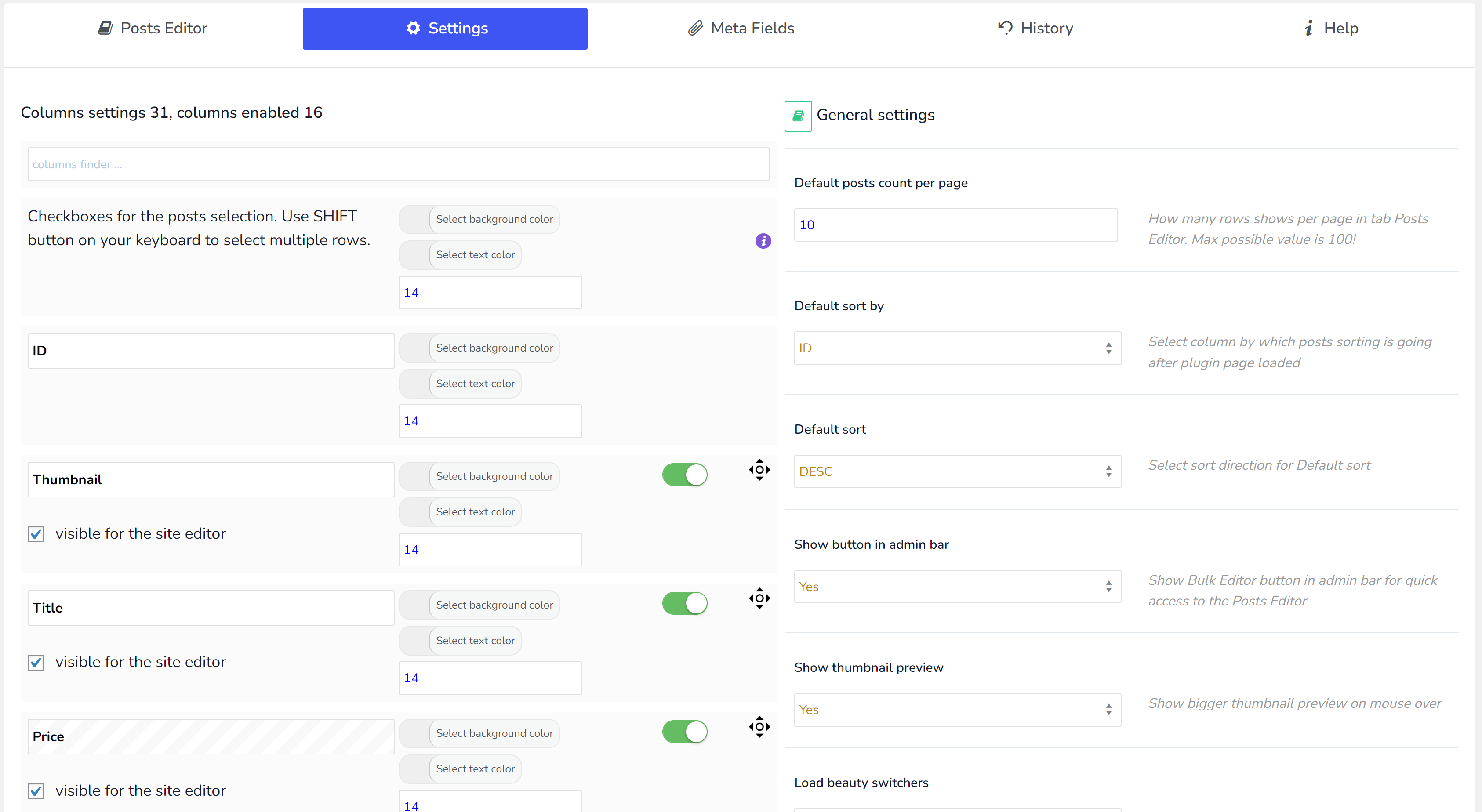
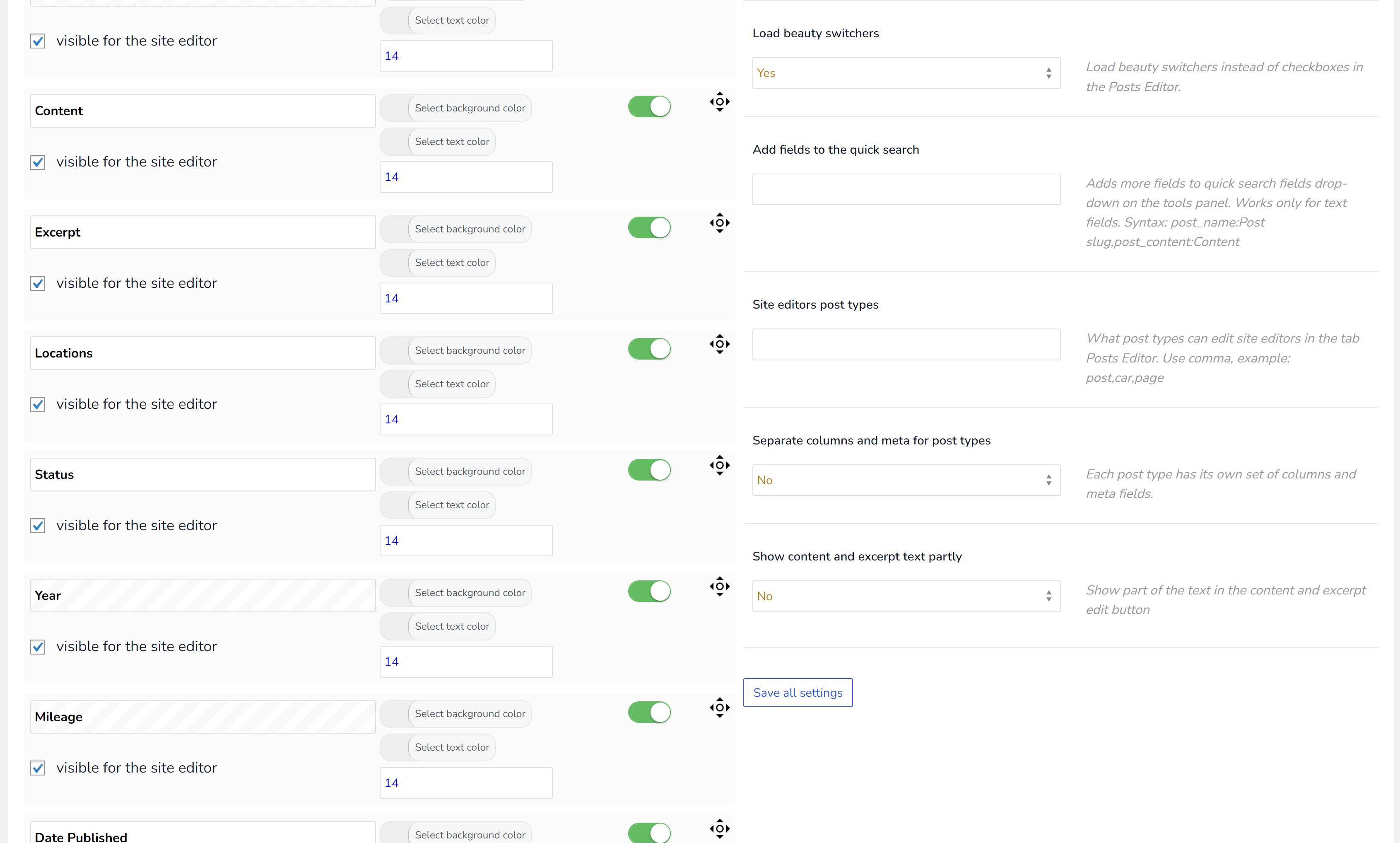
Customize your dashboard by activating only the columns you need at the moment for a streamlined experience
Conveniences
Effortlessly set your preferred column order, filter posts, and export data structures tailored to your needs
Profile system for columns
Create and save custom column sets for efficient data management, and reload your configurations in just two clicks
Profile system for filters
Design and save filter profiles for rapid and future application, enabling instant and precise content filtering.
Columns coloring
Personalize your data view with custom coloring for column text and backgrounds for better clarity
Edit Together
Collaborate seamlessly with simultaneous post editing, ensuring each user's work is distinct and non-intrusive
Simple Installation
Get started quickly with an all-in-one installation. The plugin's architecture is extendable, adapting to new ideas and extensions.
Filter by empty TEXT
Utilize empty field filtering to swiftly identify and perform bulk operations on posts with unassigned TEXT meta fields
Hook wpbe_wrap_field_val
Use hook wpbe_wrap_field_val to tailor the content of your column cells for a customized data display
Randomizer for Meta Fields
Incorporate a randomizer for meta fields to bring variability and surprise into your data entries
FAQ
Recipes about how to manage WordPress posts data
Compatible with WOOF - WooCommerce Products Filter
Compatible with WOOT - WooCommerce Active Products Tables
Support
Rely on our strong technical support team, ready to assist with extensive coding expertise every day
Editable Fields
- Thumbnail
- Title
- Content
- Excerpt
- Slug
- Status
- Comment status
- Ping status
- Post password
- Post type
- Category
- Tags
- Custom taxonomies
- Meta fields
- Menu order
- Author
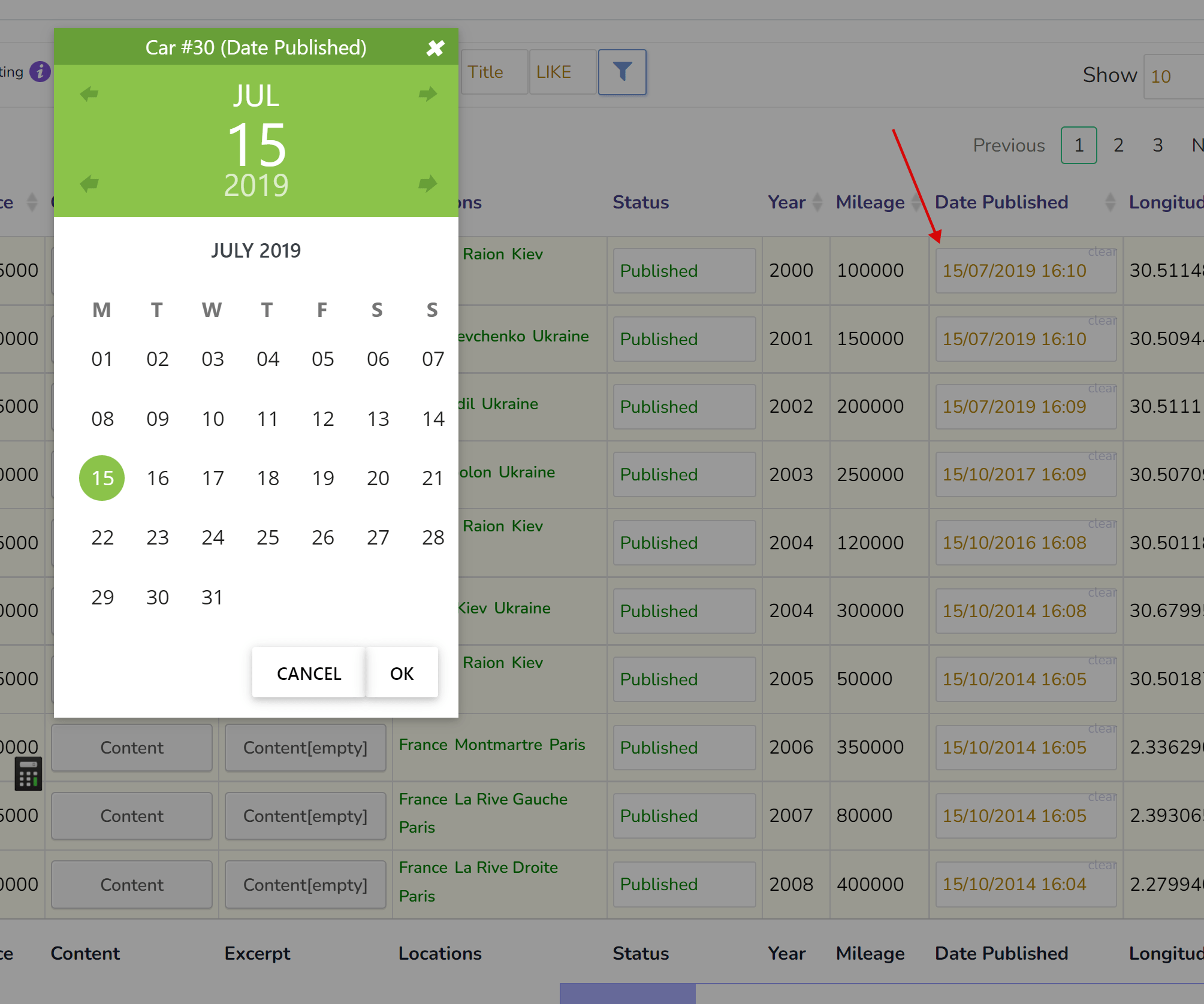
- Date Published
- Date Modified
- Post Parent
- Sticky
Architecture based on extensions! WOLF is built with an API that supports custom extensions, offering PHP developers the flexibility to innovate and implement their unique data management solutions Read more
Set columns
Set the columns sequence you want to see for posts editing
Filter
Filter posts by criteria according to your business logic
Bulk edit
Set fields options for bulk edit operation and press start!
Start your journey for FREE!
Begin your journey with 'WOLF - WordPress Posts Bulk Editor and Manager Professional' free version. It's packed with powerful features for bulk editing and managing WordPress posts, providing everything you need to optimize your content management workflow
How this plugin can be useful for your business?
Maximize efficiency in your content management with 'WOLF - WordPress Posts Bulk Editor and Manager Professional'. Tailored to meet your business needs, this tool offers comprehensive control over your site's posts data, simplifying your workflow from day one.
Data control
Efficiently manage posts with a unified editor, preventing disruptive page switches
SEO
Optimize your SEO effortlessly with dedicated metadata fields in a compact layout
Attention
Enhance your focus on site data with WOLF's streamlined management system
Export
Easily export filtered data for comprehensive analysis and sharing
Quick edit
Instantly save post changes with AJAX for rapid content updates
Filtering
Target and refine your content with powerful, precise filtering options
Data Analysis
Analyze post data conveniently with intuitive table formats
What 43 real customers say
Collected from CodeCanyon and WordPress.org over the years.
Amazing plugin to manage all of my CPT, LOVE IT !!! I came from BEAR plugin (woocommerce) and with no doubt i purchased WOLF. So intuitive bring Wordpress to the next level. I recommend it !
Great plugin
Great plugin: super easy to use. I didn’t know how to use a function, and the support team helped me very quickly. Recommended.
I absolutely love this plugin. It's not everyday you get exactly what you've been looking for. My only (small) complaint is that filters for the post status is kind of annoying. I'm used to being able to click the "Published" (or "Drafts") link on the Posts page, and I wish it was just a simple link like it is out of the WP box.
This plugin is saving me hours and hours of work. It is allowing me to rework how I am presenting 19 years worth of newsletters and board minutes with just a few hours of time. Thank you. Thank you. Thank you.
great plugin + great support
Been using the free version for a while but then after I received such good support on their website I sprang for the Pro, so very useful for Post management
Very useful plugin
Very useful plugin that helps me get things done fast. Ajax gives feeling like MS Excel when I update a field. When I open html tag in front of a text in the editor, it will close the tag automatically after I enter, this saves time!
WOLF achievements
"WOLF - WordPress Posts Bulk Editor and Manager Professional" actively uses on WordPress business sites
Get Started !
Start working with "WOLF - WordPress Posts Bulk Editor and Manager Professional" and improve your site data managing
FAQ's
If you have questions check please already prepared answers
Ideas
If you have an idea please share it with us
Support
If you have question about plugin functionality or found bug write us please
Have Questions?
You can always ask pre-sale or technical questions on the support
Will WOLF fit my needs?
+
You can get this answer absolutely without any risk by installing free version of the plugin
Is premium version license should be renewed each year?
+
Yes. The annual plans renew automatically once a year, so updates and support never lapse by accident. You can switch auto-renewal off at any time in your Freemius account, in one click. And if a license does expire, nothing breaks: the plugin keeps working on your site exactly as before — what stops is the delivery of new versions, including security fixes, and support. If you would rather pay once, there is a one-time lifetime licence — no renewals at all. Both options are on the downloads page.
What is the difference between free and premium version?
+
What about updates and fixes?
+
We are monitoring the changes in the WordPress engine. If you find an error, please report it to the support and we will fix it.