
How to edit attachment metadata in WordPress
To edit attachment metadata in WordPress — the width, height, generated sizes and the other values WordPress keeps for a media file — you work with the meta key _wp_attachment_metadata. This data exists only for attachments and is stored as a serialized array.
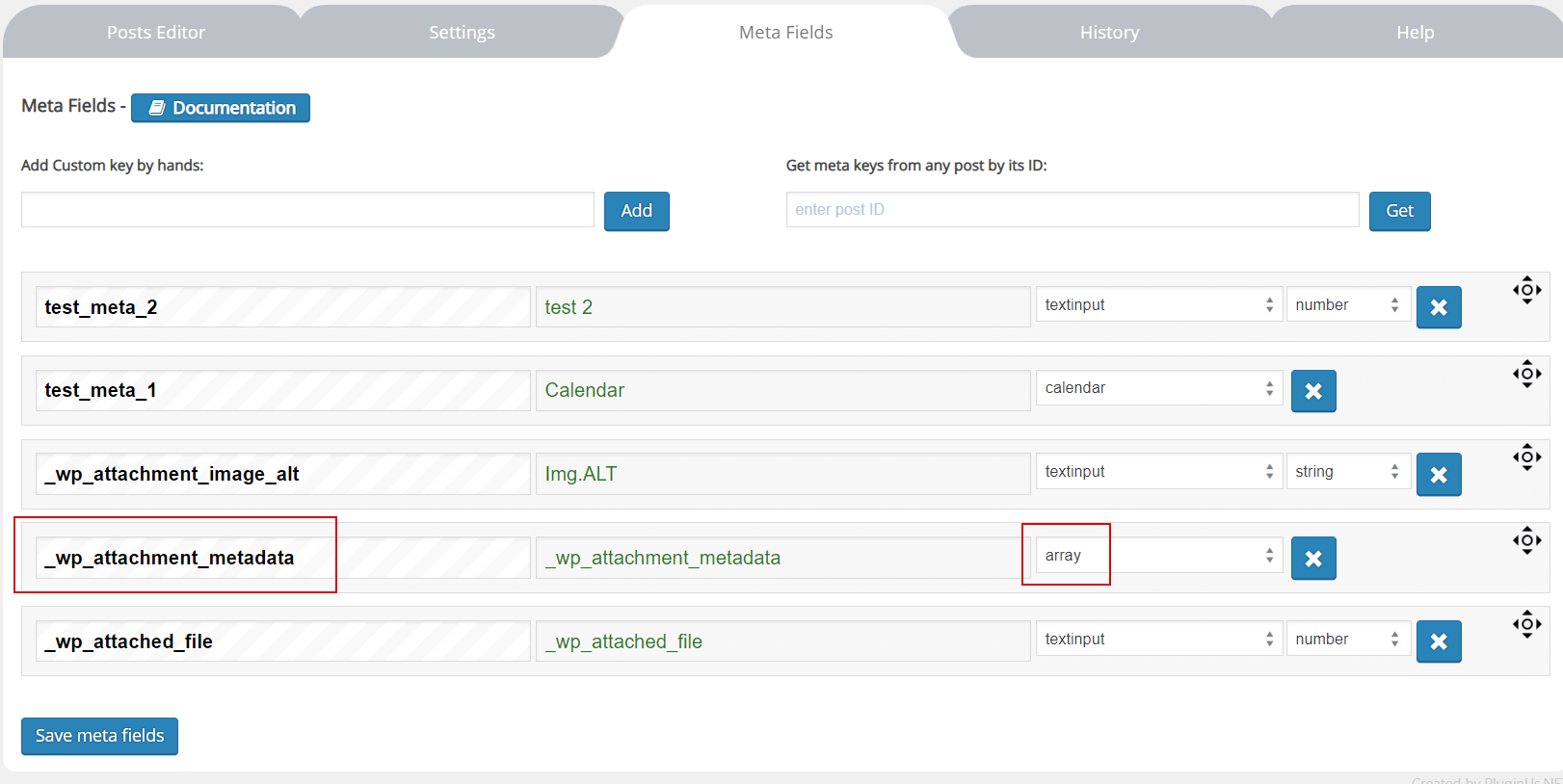
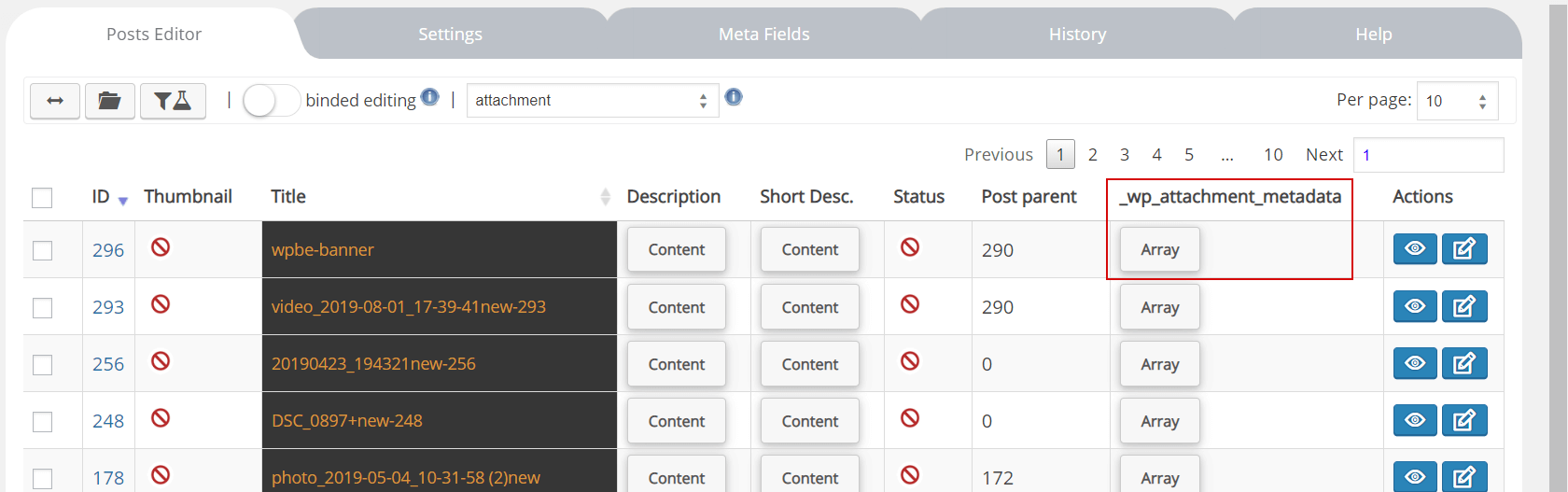
Add this key in tab Meta Data with type 'array', press save, go in tab Settings, find there the key and enable it, press save.
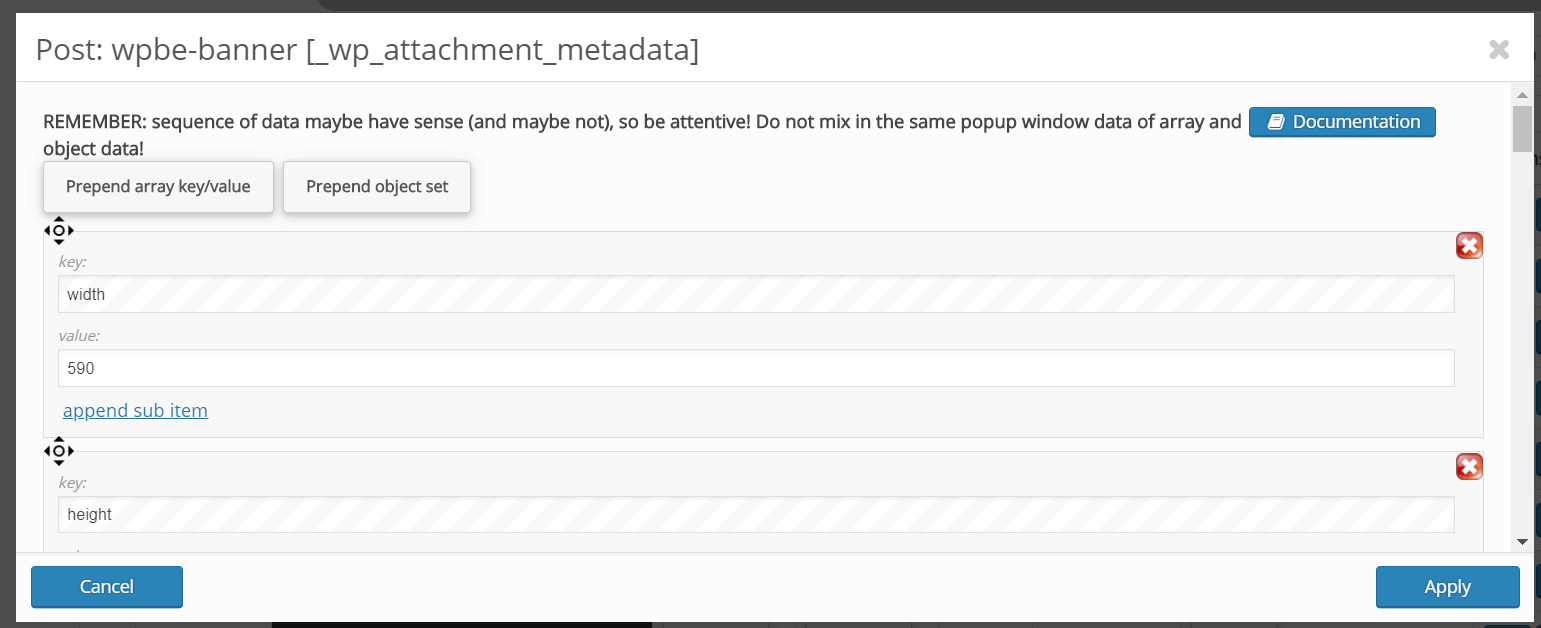
Now you can edit it in popup its data and edit it if you need it. Of course it is possible edit it in binded editing mode and in bulk edit mode. Filtering is not possible as it keeps in database as serialized array.
You should understand what you do when edit data of your attachments!
Related documentation: Bulk edit serialized post meta data in WordPress (arrays and JSON objects), Meta Fields.